
For Auditors
Audit reports that actually fit on the page
Convert wide Excel audit tables to clean, paginated PDFs without losing a single column.
Try it free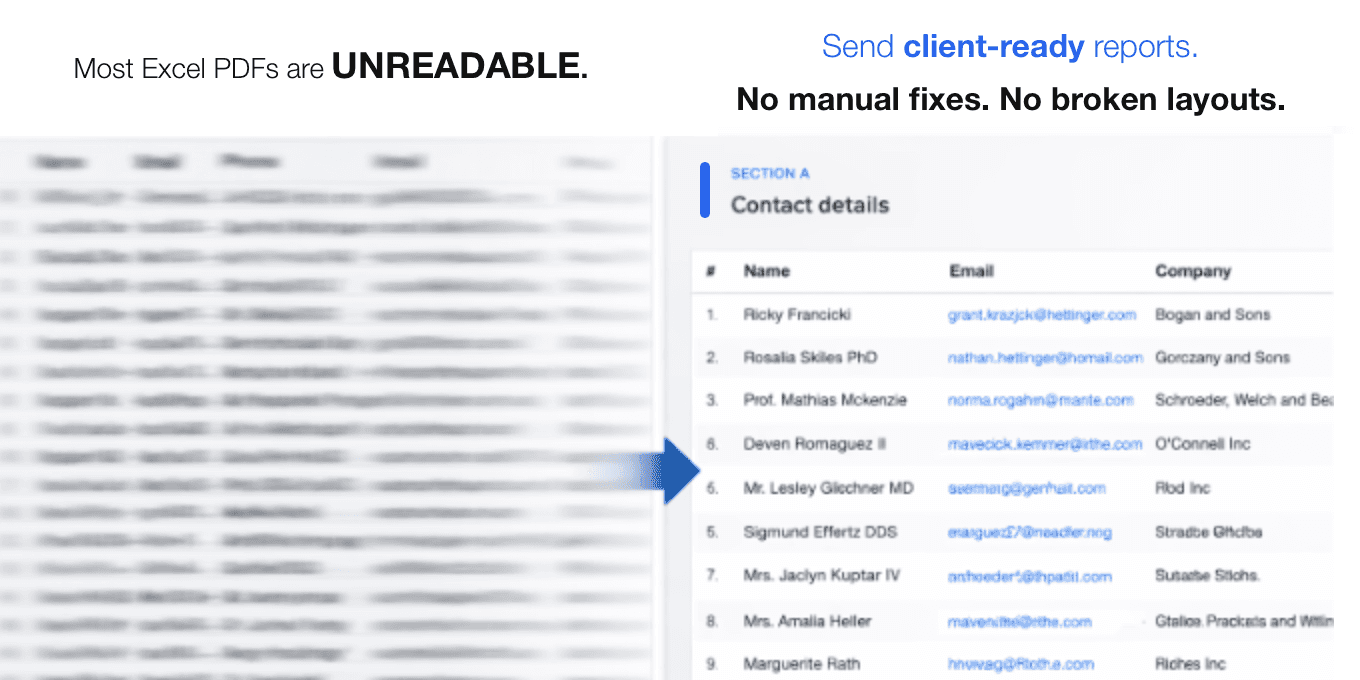
The problem
- Wide tables get cut offAudit reports with dozens of columns are truncated when exported to PDF, leaving critical data invisible to clients and regulators.
- Manual reformatting wastes hoursAuditors spend time splitting sheets, adjusting column widths, and re-exporting just to get a readable PDF.
- Reference columns disappearWhen you split wide tables across pages, entity names and account references are lost on continuation pages.
How fitforpdf solves it
- Automatic column groupingfitforpdf detects wide tables and splits them into logical column groups that fit cleanly on each page.
- Reference columns preservedKey identifier columns are repeated on every continuation page so readers always know what they are looking at.
- Clean paginationPage breaks are placed intelligently between logical sections, not in the middle of a data row.
Ready to fix your PDF exports?
Upload your spreadsheet and get a clean, paginated PDF in seconds. No signup required.
Try it free