
For Finance Teams
Financial reports that print perfectly
Turn wide Excel financial statements into clean, multi-page PDFs with every column intact.
Try it free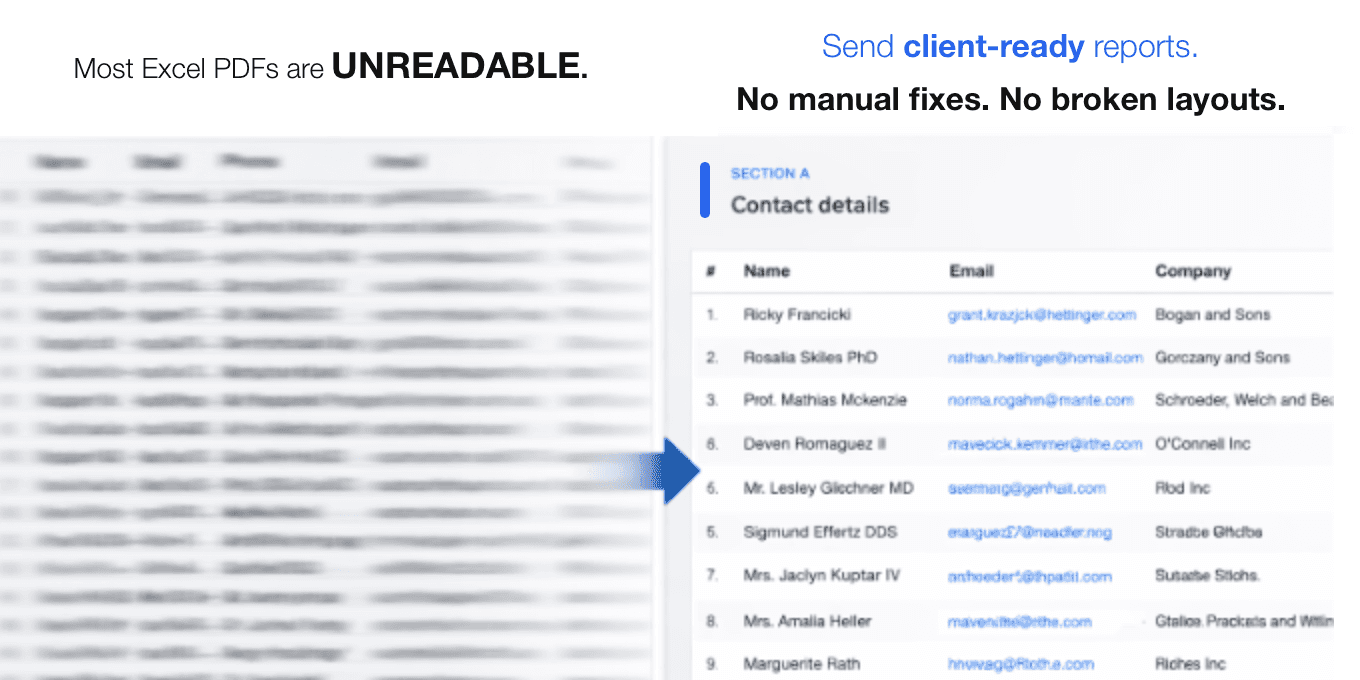
The problem
- Financial tables get truncatedBalance sheets and P&L statements with many period columns are cut off at the page edge, hiding critical figures.
- Page breaks land in the wrong placeStandard PDF export splits rows mid-section, separating totals from their line items and confusing stakeholders.
- No overview of multi-page reportsWhen a financial report spans several pages, readers lose track of how the pieces fit together.
How fitforpdf solves it
- Intelligent column splittingfitforpdf detects period columns and groups them logically so every page shows a complete, readable slice of your data.
- Automatic paginationPage breaks respect section boundaries, keeping subtotals and headers together where they belong.
- Overview page includedMulti-page outputs start with a summary page so readers immediately understand the full scope of the report.
Ready to fix your PDF exports?
Upload your spreadsheet and get a clean, paginated PDF in seconds. No signup required.
Try it free