
Tax & finance data
Convert IRS tax-stats (SOI) CSV to a printable PDF
The IRS Statistics of Income "Historic Table 2" ships as a 163-column CSV with cryptic codes (A00100, N02650) and numbers stored as quoted strings like "159,651,330". Here is how to turn it into a readable PDF.
STATE,AGI_STUB,N1,MARS1,...,A00100,N02650,A02650,N00200,A00200,...
"US","1","...",...,"159,651,330","...","-160,983,232",...
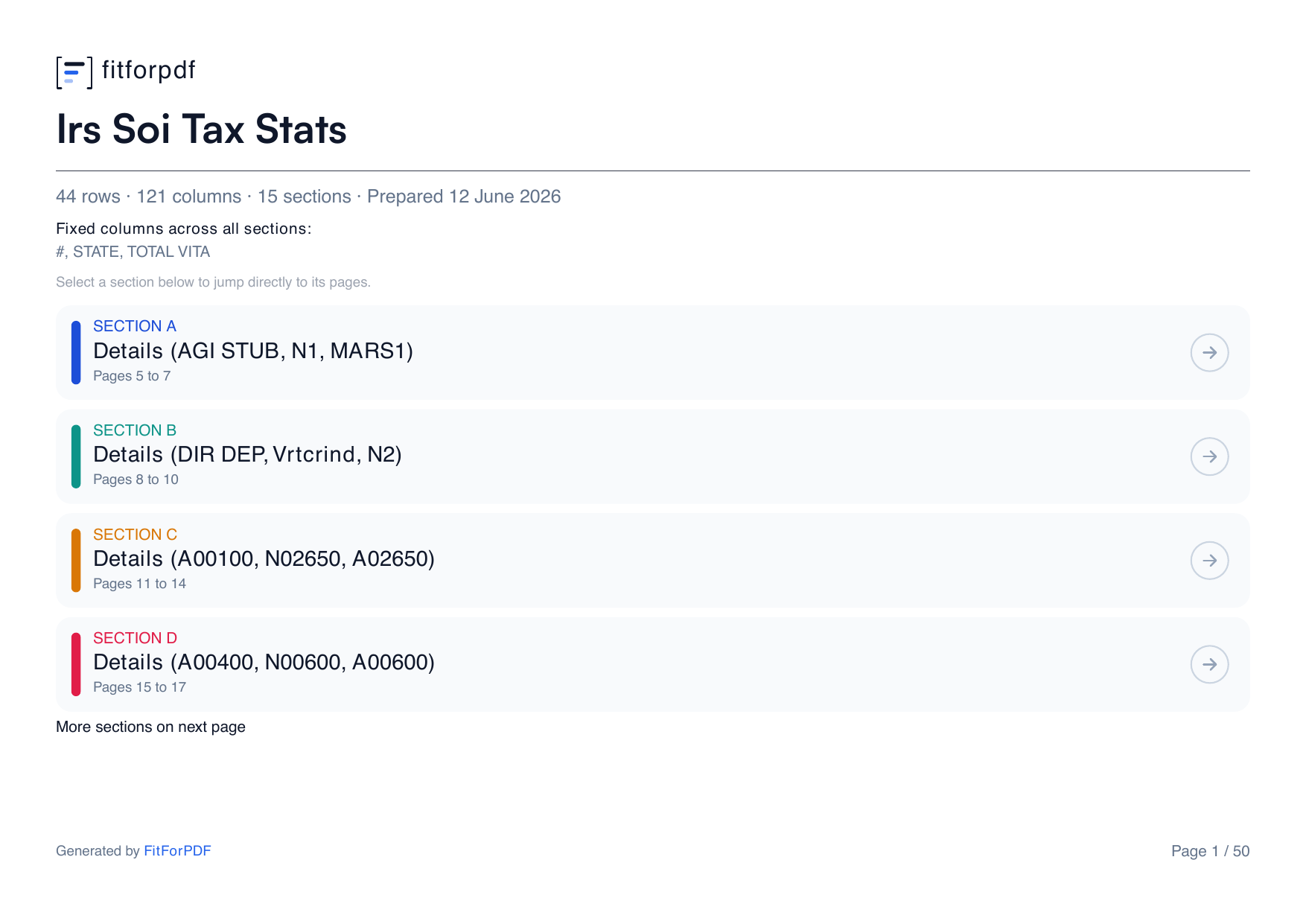
Source: IRS Statistics of Income, Historic Table 2 — U.S. federal public domain.
Why this CSV is unreadable as-is
- 163 columns: open it in Excel and print, and most columns fall off the page.
- Codes, not labels: A-prefixed = dollar amounts, N-prefixed = counts, per AGI bracket.
- Numbers are quoted strings with thousands separators ("159,651,330") and negatives — naive parsers mangle them.
The structured conversion
fitforpdf groups the columns into readable sections (up to 150 columns), repeats the state / AGI-bracket identifier columns on every page, parses the quoted numbers correctly, and paginates — so a very wide federal table becomes a PDF you can actually read.
Frequently asked questions
How many columns can fitforpdf handle?
Up to 150 columns, auto-grouped into readable sections with the identifier columns repeated on every page. The IRS table is wider than most tools handle — focus the export on the income and deduction items you need (the sample here is a focused slice).
Will the quoted numbers like "159,651,330" stay correct?
Yes. fitforpdf parses quoted cells with embedded thousands separators and negatives without splitting them into wrong columns.
Convert your tax-stats CSV
Drop the CSV and get a clean, paginated PDF with every column accounted for. 3 free exports.
Try it free