
Open data
Convert a World Bank GDP CSV into a clean PDF table
The World Bank GDP CSV is the classic "wide format": a metadata preamble, then one column per year from 1960 to today, all quoted. Here is how to turn it into a tidy, printable PDF.
"Country Name","Country Code","Indicator Name","Indicator Code","1960",...,"2024"
"World","WLD","GDP (current US$)","NY.GDP.MKTP.CD","...",...,"..."
Download this sample CSV
Source: The World Bank — GDP (current US$), World Development Indicators (CC BY 4.0).
Why the World Bank CSV is awkward
- A 4-line preamble means the real header is not on row 1 — many tools mis-detect columns.
- 60+ year columns run far off any printed page.
- Every field is quoted and recent years are empty — ragged, sparse rows.
The structured conversion
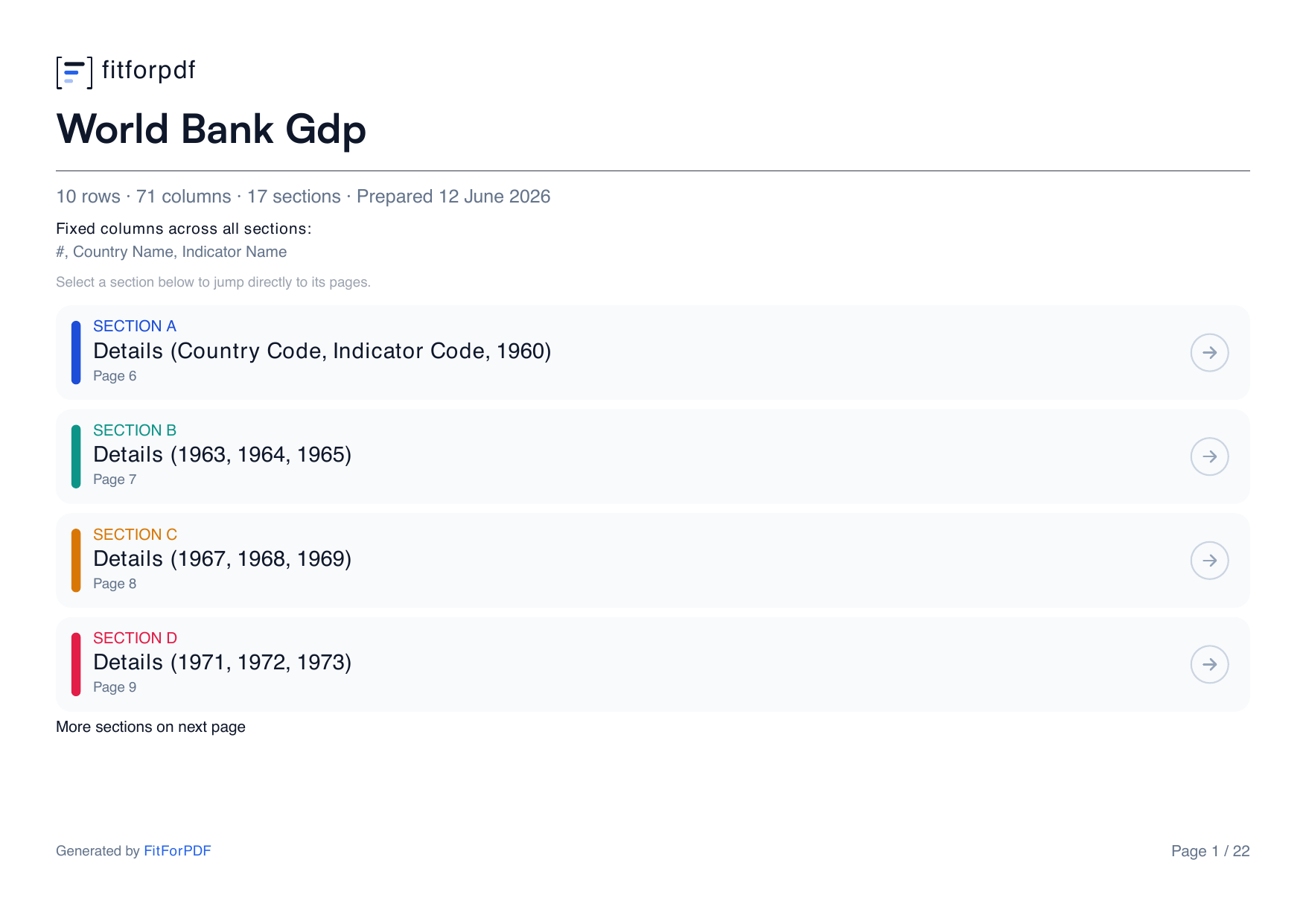
fitforpdf reads past the preamble, groups the year columns into readable sections, repeats the country name on every page, and paginates — turning the notorious wide CSV into a clean PDF table.
Frequently asked questions
Does it handle the World Bank CSV preamble and wide year columns?
Yes — fitforpdf detects the real header and groups the year columns into readable, paginated sections with the country column repeated.
Can I do this with any World Bank indicator export?
Yes. Any wide indicator CSV (one column per year) converts the same way.
Convert your World Bank CSV
Drop the GDP CSV and get a clean, paginated PDF table. 3 free exports.
Try it free